
Name-Based Case Searches
Begin at Kansas Judicial Branch CaseSearch, accept the public-access terms, and pick District. When you search by party, type the spelling most likely to match the case caption. Business Name and Party As Business Name are two different options. Choose the one that fits the role you know. Do not dump every term into the general name field.
- Select District and choose Party Name, Business Name, or Party As Business Name.
- Enter the most exact known search term.
- Set County to Grant to remove other Kansas counties.
- Expand filters and choose Criminal, Civil, Family, or Probate or Mental Health if known.
- Complete the human check and submit.
- Compare the case number, filing date, court, roles, and status before relying on a match.
A common name can pull up more than one result. Never lean on protected identifiers, and do not assume two similar names belong to the same party.
Grant CaseSearch Field Walkthrough
The public application gives you a small core form plus optional filters for a Grant County docket search. The interface shows a blank search frame rather than a private case result. What you see are the working controls, nothing more. View the current served CaseSearch application source.
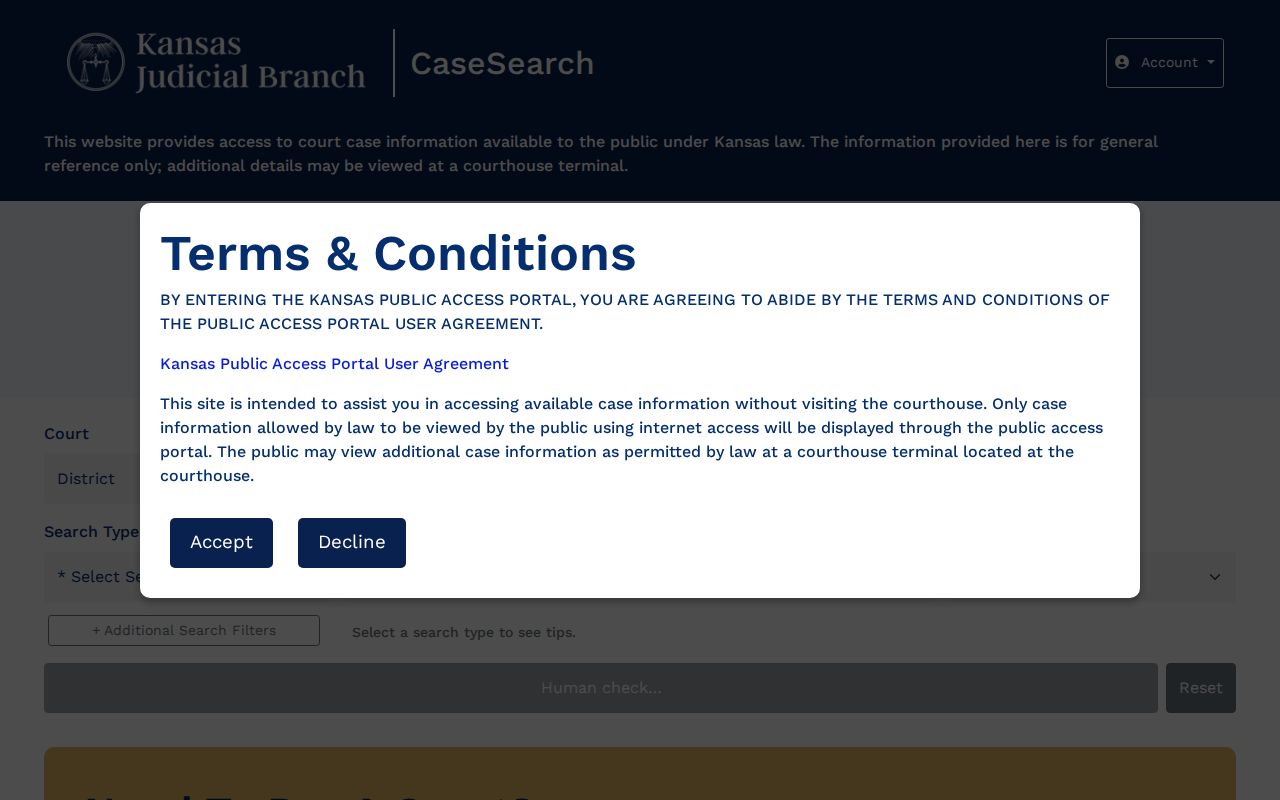
The Grant County selector is optional in the statewide form, but it is the key local narrowing choice. The form ties Grant to its current county identifier, GT.
| Field | Type | Use |
|---|---|---|
| Court | District or Appellate | Choose District for Grant trial cases |
| Search Type | Five choices | Number, party, business, party as business, or citation |
| Search Term | Text | The chosen number or name |
| County | Dropdown | Select Grant |
| Case Type | Extra filter | Criminal, Civil, Family, or Probate or Mental Health |
| File dates | Date range | Narrow by filing period |
Case Number Searches
An exact court-issued number is often the cleanest key for a Grant County docket search. Current Odyssey-style numbers may follow GT-YYYY-CASE-TYPE-######. The official state update gives GT-2022-CR-000001 as a format illustration. Older Grant cases can drop the county prefix and use YYYY-CASE-TYPE-######.
Never tack GT onto an old number by guesswork. Official Smart Search material also shows compact older examples without hyphens. Try the number exactly as printed first. If it fails, follow the state guide's old-number advice. A blank result can stem from format. It can also come from eCourt conversion, date coverage, a restricted case type, or a failed human check.
Grant Human Check Problems
The first Search button can read "Human check…" until Cloudflare Turnstile succeeds. If it stays disabled, reset the form. Reopen the official alias at search.kscourts.gov. Or come back later. Swapping a name or county filter will not fix a failed challenge.
The official Smart Search instructions cover the fields, filters, registration routes, and unavailable categories. Treat them as the authority, not a cached search snippet. Private case results require verification the public view does not provide.
Case Search Results Explained
A public Grant County case result is a case-information view. It is not the complete clerk file. You may see a header, parties and roles, counsel, the judge, event dates, setting data, and status. Links to permitted documents may also appear. The exact fields depend on the case and its public-access level.
| Header | Case number, Grant court, type, filing date, and status when public. |
|---|---|
| Parties | Public names and roles, subject to redaction and restrictions. |
| Events index | Dated filing, service, hearing, order, and disposition descriptions. |
| Settings | Public hearing date, time, and type when available. |
| Disposition | Public outcome or closeout status in case context. |
| Documents | Only permitted public images in the eCourt layer. |
Trust the latest signed order over a short event caption. For an official copy, ask the District Court clerk for the document.
Case Information Versus Documents
Kansas court guidance draws a line between searchable case information and the papers behind it. A docket event may just say a motion or order was filed. The complaint, motion, exhibit, order, and judgment are separate documents. Some are not available remotely. Review the Kansas district court record-access guidance.
The guidance lays out the fallback: inspect public material at the courthouse terminal, or make a specific request when the internet view lacks a public document. A missing PDF does not by itself mean the Grant case is sealed.
Two Ways to Search: County and State
Kansas CaseSearch is statewide. The Grant County clerk holds the local District Court records. The portal works well for broad public discovery. When the number is old, a document is not online, or you need an official copy, the clerk and the courthouse terminal are the stronger route.
| Question | Statewide CaseSearch | Grant clerk or terminal |
|---|---|---|
| Search by public name | Yes, subject to terms | Clerk can help identify the local route |
| Search by number | Yes, format matters | Useful for old or uncertain formats |
| View documents | Some permitted files | More public terminal access may exist |
| Certified copy | No | Request from the clerk |
| Current fee quote | Not supplied | Ask before production |
Call 620-356-1526 or visit 108 S. Glenn, second level, Ulysses, during the posted weekday hours. A written court-record request can spell out the case, document, date range, and delivery choice.
Grant Guest and Registered Views
CaseSearch offers Log in, Register, and "Need Expanded Access?" routes. Basic guest search is public. Approved elevated access may expose a different view under court rules. Registration does not make sealed or legally restricted material public.
The terms overlay says the internet portal shows only information permitted for public online access. More public information may exist at a courthouse terminal. The overlay also warns that the electronic display is not the official court record. Keep that in mind for every Grant County docket search. Use the portal to find the case. Then turn to the clerk for authoritative copies.
Which Cases Stay Restricted
Some Grant County case files sit behind a wall. Kansas Supreme Court Rule 22 bars portal access for sensitive categories, including adoption, child-in-need-of-care, care-and-treatment, expunged, grand-jury, and protection-order matters, along with certain family, guardianship, and juvenile material. Redaction duties add another layer of protection, since Rule 24 requires personal identifiers to be masked before documents go public.
Three outcomes are possible: a case may be public online, public only through a courthouse terminal or request, or nonpublic under law or court order. A blank result does not identify which outcome applies.
Check spelling, number format, County = Grant, filing range, and case type. Then ask the clerk whether a public record is terminal-only, document-only by request, sealed, expunged, or held by another court.
Ulysses Cases Need a City Search
A Grant District Court search will not surface Ulysses ordinance or city traffic cases just because Ulysses sits inside Grant County. The city keeps its own municipal records. Call Municipal Court at 620-356-4600, use the city's contact form, or stop by 115 W Grant Ave.
Ulysses does publish hearing dates. That list is not a register of actions, though, and it will not identify a case. For the city docket, work through the municipal clerk. The county FAQ has one more pointer. Tickets written outside Ulysses city limits go to Grant District Court instead.
Grant Filing Login Is Not Search
Authorized filers use Kansas Courts eFlex, which feeds the statewide eCourt system behind the scenes. It is a filing tool, though, not a substitute for public CaseSearch. Nobody should sign up for a filing account. That account will not pull up a Grant County court docket. The public docket search lives elsewhere. The official eFlex login source makes the filer-only purpose plain from the start.
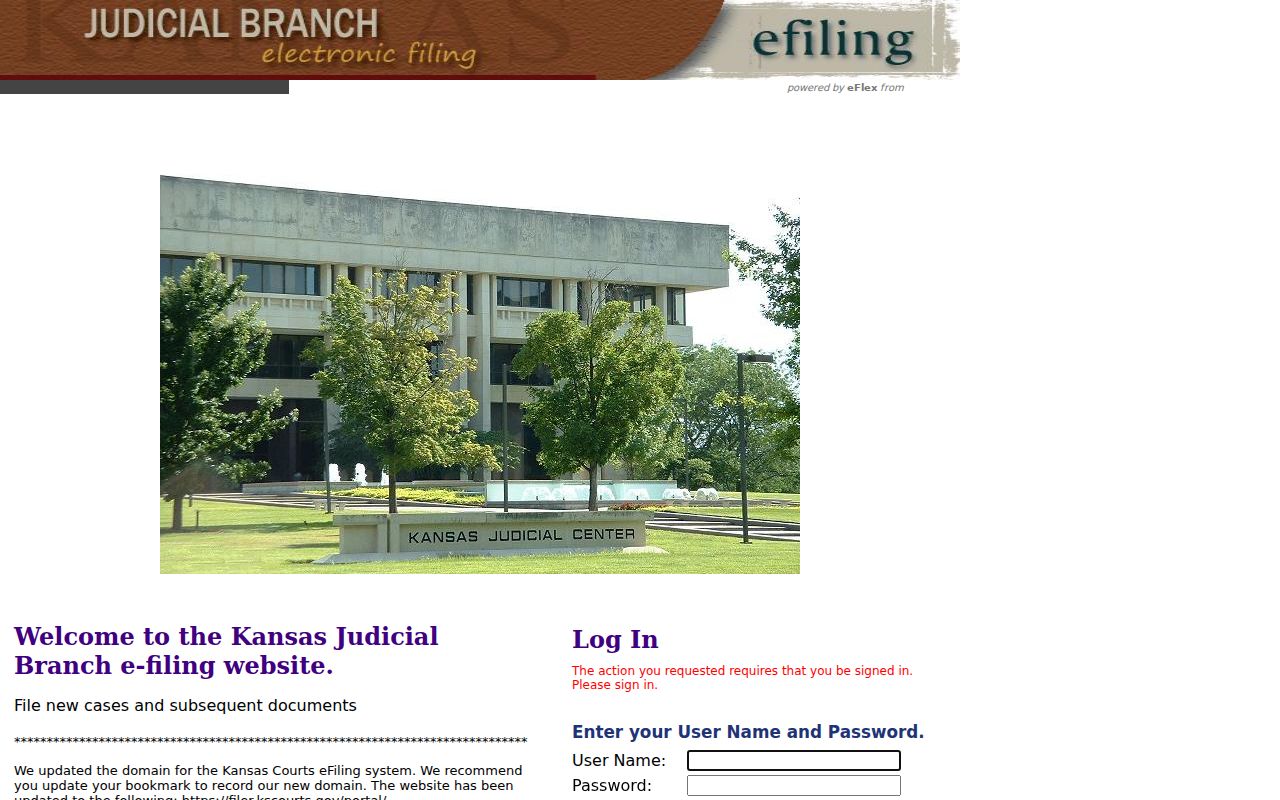
That login screen exists for filers, with its user name, password, registration, and support controls. Public readers hunting a Grant County docket should head back to CaseSearch, the courthouse terminal, or the clerk's office.
Grant Portal-to-Clerk Fallback
A failed docket search is rarely a dead end. First check the spelling, then the exact court-issued case number, the Grant county filter, the case type, a reasonable filing range, the current Smart Search unavailable list, and the human-check status. Still nothing? Call the Grant County clerk and ask which public-access route applies.
When the record is public but simply not online, the courthouse terminal is the answer. Need a filed document? Submit a request that names the case. Give the case number, the document, the date range, and how you want it delivered. Ask for a cost estimate first. Grant County publishes no current judicial copy fee schedule. If access gets denied, request the legal basis and ask whether a redacted or separable public part can be produced.